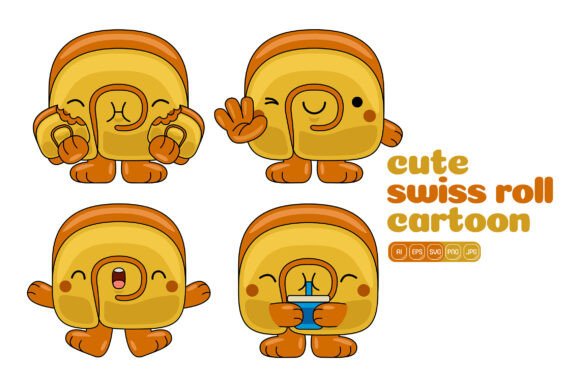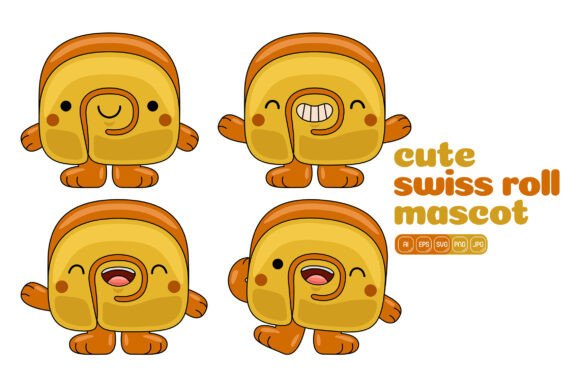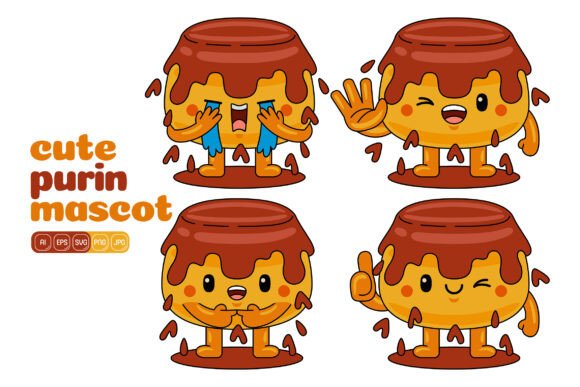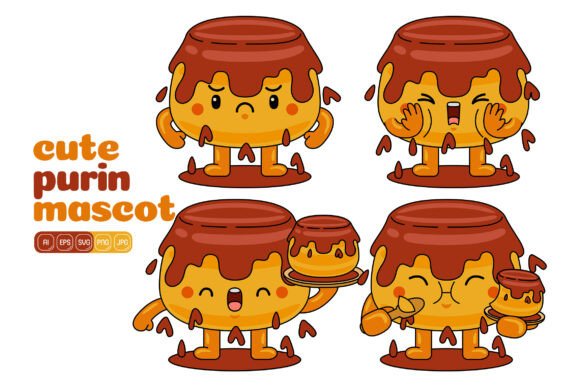
Cute Pancake Mascot Vector Pack 03
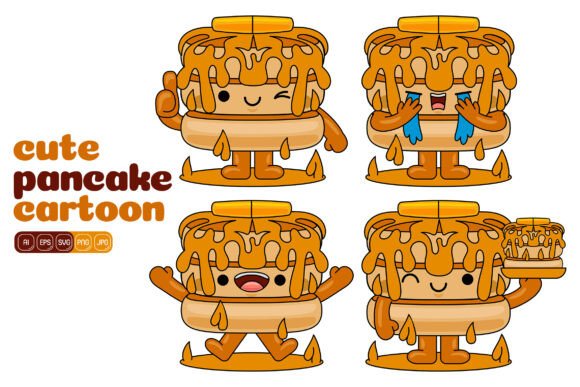
Every designer and content creator knows the feeling of searching for that one illustration that will make a project click. You need something playful but not childish, polished but not stiff, versatile enough to work across a dozen different formats. Cute Pancake Mascot Vector Pack 03 delivers exactly that kind of flexibility with a hundred distinct illustrations built around an irresistibly charming pancake character. Whether you are building a landing page, refreshing your social media feed, or putting together printed materials for a local café, this collection offers a surprisingly broad range of visual solutions wrapped in a flat design aesthetic.
The illustrations feature a consistent pancake mascot with a warm, approachable personality that works well for both commercial and personal projects. The flat design style keeps everything clean and modern, avoiding unnecessary gradients or textures that might clash with contemporary web or print trends. Each vector is built at 3000 x 3000 pixels, which gives you plenty of resolution for large format printing while remaining lightweight enough for digital use. You get AI, EPS, SVG, PDF, JPG, and PNG files, so compatibility across software platforms is never a concern.
A Closer Look at What You're Getting
What sets this pack apart from generic illustration bundles is the cohesion across all one hundred vectors. Every illustration features the same pancake mascot in different poses, expressions, and scenarios, which makes it incredibly easy to maintain visual consistency across a campaign or brand identity. You are not scrambling to match styles between different artists or asset packs. The mascot feels alive in each scene, whether it is holding a sign, interacting with food elements, or simply smiling against a clean background. That consistency alone saves hours of editing time when you are building a series of social media posts or a multi-page brochure.
The editable vectors are structured so that every shape remains separate and adjustable. You can change colors easily, scale individual elements, and combine different components to create original variations. That means the same base pancake can be customized to match your brand palette or seasonal campaign without redrawing anything. For entrepreneurs and small business owners who do not have a full design team, this kind of flexibility is a practical time-saver. You can produce professional-looking visuals without needing advanced illustration skills.
Flat design remains popular for good reason. It communicates clearly, loads quickly on websites, and reproduces well across different media. The flat design style used here keeps the focus on the character and the message rather than decorative flourishes. If you have worked with vector assets before, you will appreciate how straightforward it is to drop these into a layout and have them look like they belong there. No awkward scaling issues, no missing fonts, no layered file chaos.
Where These Illustrations Work Best
The practical applications for this vector pack are broader than you might expect from a food-themed mascot. Yes, it is perfect for restaurants, bakeries, food blogs, and cooking apps. But the friendly, expressive nature of the pancake character also translates well into educational content, children's materials, lifestyle branding, and even wellness or self-care projects. When a character feels welcoming and neutral enough, it can cross into categories that are not directly related to food.
For social media graphics, having a consistent mascot gives your feed a recognizable face. You can use the illustrations for announcements, seasonal greetings, product highlights, or even simple daily posts. The pack provides enough variety that you are unlikely to repeat the same image too often, which keeps your content feeling fresh. Bloggers and content creators can use the vectors as featured images, section dividers, or email newsletter headers. The mascot adds a human touch without requiring a real person's likeness or model release.
When it comes to web design and landing pages, a mascot can serve as a visual anchor that guides visitors through the content. Placing the pancake next to a call-to-action button or using it to illustrate a benefit can increase engagement simply by making the page feel more approachable. The SVG and PNG files with transparent backgrounds make integration seamless, whether you are coding from scratch or working within a website builder like Squarespace, Shopify, or WordPress.
Print materials also benefit from the high resolution and clean vector lines. Flyers, posters, stickers, packaging inserts, and even apparel designs can all use these illustrations without losing detail. At 3000 x 3000 pixels, you have enough resolution for professional printing work. The PDF and EPS formats give you industry-standard files that print shops will accept without issues.
How Vector Art Supports Your Brand Workflow
Using a ready-made vector pack like this one fits naturally into a brand identity workflow, especially for small teams or solo entrepreneurs who need to move quickly. Instead of spending days illustrating custom mascots from scratch, you can select existing assets and adapt them to your color scheme and style guidelines. The ability to edit every shape independently means you can tweak the illustrations to align with your exact brand standards. That might mean changing the pancake's hat color to match your brand's primary hue, or adjusting the background elements to fit a specific campaign theme.
Consistency is one of the hardest things to maintain across a brand's visual content. When you use the same mascot across multiple touchpoints, your audience starts to associate that character with your business. Over time, that visual shorthand builds recognition and trust. A display font or a signature color palette does similar work for your typography and design system, but a mascot adds a layer of personality that static design elements cannot replicate. The pancake character is friendly without being cutesy in a way that limits its use, which is a delicate balance that the designer achieved well.
For packaging design, a mascot can differentiate your product on a crowded shelf. While this pack originated for digital use, the print-ready file formats make it suitable for small-batch product packaging, kraft labels, or even fabric tags if you are in the food or gift market. The flat design style works particularly well on matte or natural paper stocks, where complex gradients can look muddy.
Choosing the Right Asset Pack for Your Project
Not all vector packs are created equal, and the value comes down to a few practical factors. File variety matters because your workflow might demand different formats at different stages. Having AI, EPS, SVG, PDF, JPG, and PNG all in one purchase means you are covered whether you are designing in Illustrator, handing off files to a client, or uploading directly to a platform that only accepts PNG. The transparent PNG files are especially convenient for quick mockups or social media posts when you do not want to open a full vector editor.
Resolution is another consideration. At 3000 x 3000 pixels, these files are large enough for most print applications up to poster size. For web use, you can scale them down without losing quality, which is always easier than trying to upscale a smaller file later. The high resolution ensures that even if you crop into an illustration, the remaining portion still looks crisp.
When you are evaluating a vector pack, also think about the illustration style in relation to your existing visual content. Flat design pairs well with modern sans serif typography, clean layouts, and minimal branding. If your current brand uses a handwritten font or a script font heavily, you might want to test how the mascot looks alongside that typography. The pancake character is neutral enough that it can complement a serif font for a more traditional feel, or a sans serif font for a contemporary look. Font pairing is a subtle but important consideration when placing illustrations next to text, and the clean lines of these vectors give you plenty of room to experiment.
Commercial licensing is another factor worth paying attention to. This pack is designed for both personal and commercial use, which covers client work, branded merchandise, marketing materials, and digital products. Always check the specifics of the license for your intended use, but the general terms here are favorable for designers and business owners who need to use assets in revenue-generating projects.
Practical Recommendations for Getting Started
If you are new to working with vector packs, start by exploring the included AI or EPS file to see how the layers are organized. The easy to edit customize structure means you can select individual shapes and adjust colors directly. Try matching the mascot's palette to your brand colors first, then experiment with moving elements between different illustrations. You might combine the pancake from one scene with a background element from another to create something entirely new. That is the real power of owning a flexible vector set.
For logo design or brand marks, you might not use the mascot directly, but you can extract elements like the face, accessories, or decorative shapes to build a custom mark. Many designers use vector packs as starting points for larger brand systems, modifying and combining assets until they feel original. This approach saves time without sacrificing quality, as long as you put in the work to make the final result your own.
When using the illustrations on websites or social media graphics, pay attention to sizing and placement. A large mascot can dominate a layout, while a small one tucked into a corner might go unnoticed. The beauty of working with vectors is that you can test different scales in seconds. The PNG files are great for quick previews, but always go back to the vector source for final production so you maintain editability.
One approach that works well for content creators is to build a template library using these illustrations. Create a few standard social media templates with the mascot placed in different positions, then swap the background or accent colors as needed for each post. Over time, your audience will start looking for the pancake character in their feed, which builds engagement and brand recall without requiring constant new artwork.
Happy designing. Happy purchasing. This pack gives you a solid foundation for countless creative projects, and the real value comes from how you adapt and combine the assets to fit your unique vision.